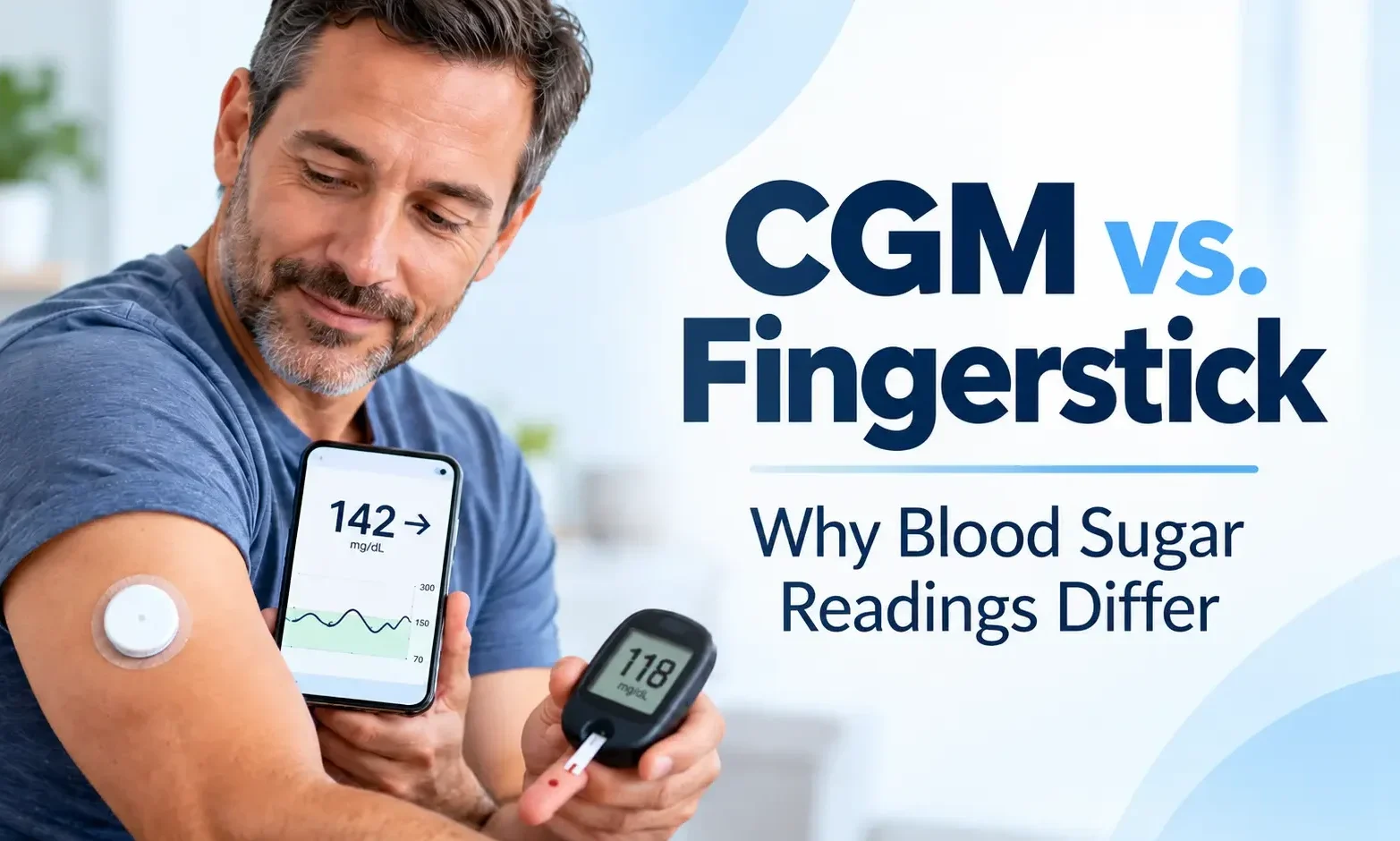
CGM vs. Fingerstick: Why Blood Sugar Readings Differ
Your CGM vs fingerstick readings don’t always match. Your continuous glucose monitor might show 145 mg/dL while your fingerstick meter reads 120 mg/dL. Which reading should you trust?
CGM and fingerstick readings don’t always match, even when both devices work correctly. Understanding these differences can help you interpret glucose trends and make safer diabetes management decisions.
Quick Answer
CGM vs fingerstick readings differ because they measure glucose in different fluids. Fingerstick meters measure blood glucose, while CGMs measure glucose in interstitial fluid beneath the skin. CGM readings may lag behind blood glucose during rapid changes. If your symptoms don’t match your CGM reading, use a fingerstick to confirm it. 1
Key Takeaways
- Different measurements: CGMs measure interstitial glucose; fingersticks measure blood glucose.
- Glucose lag: CGM readings may trail rapidly rising or falling blood glucose.
- Normal variation: Even accurate devices may display different numbers.
- Compression lows: Pressure on a sensor can cause falsely low readings.
- Fingerstick confirmation: Check with a meter when symptoms and CGM readings disagree.
Why Do CGM vs Fingerstick Readings Differ?
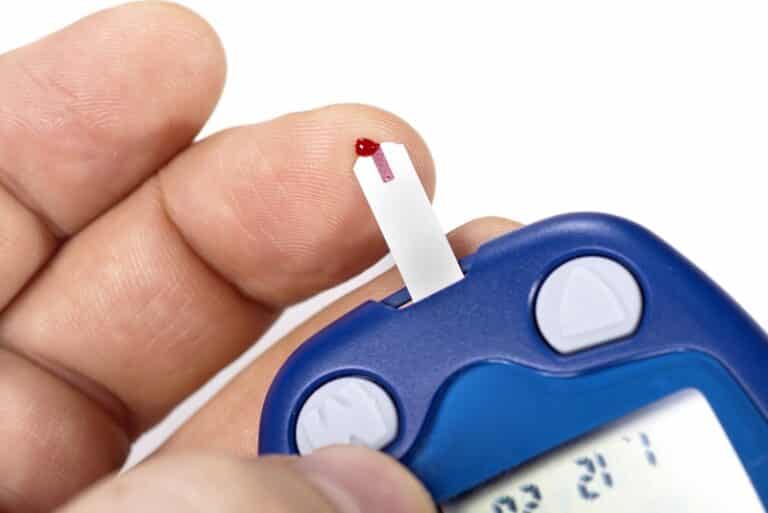
Fingerstick meters measure glucose in a small blood sample. CGMs use sensors beneath the skin to estimate glucose in interstitial fluid.
Because glucose changes reach these fluids at different times, readings can differ, particularly after meals, insulin doses, or exercise.
5 Common Reasons CGM Readings Don’t Match
1. Rapid glucose changes. Blood glucose may rise or fall before the CGM reflects the change.
2. New sensor adjustment. Dexcom G7 readings may differ more during the first 24 hours after insertion.
3. Pressure on the sensor. Sleeping or leaning on a sensor can temporarily cause falsely low readings.
4. Fingerstick errors. Unwashed hands, expired strips, or improper testing can produce inaccurate meter results.
5. Normal device variation. Both CGMs and glucose meters have measurement limitations, even when used correctly.2
How Much Difference Between CGM and Fingerstick Is Normal?
Dexcom uses a 20/20 comparison guideline to help users evaluate differences between meter and CGM readings.
- At 70 mg/dL or higher: The CGM reading may differ by up to 20% from the meter value.
- Below 70 mg/dL: The CGM reading may differ by up to 20 mg/dL.
Dexcom G7 Comparison Examples
| Fingerstick | CGM comparison range |
|---|---|
| 80 mg/dL | 64–96 mg/dL |
| 100 mg/dL | 80–120 mg/dL |
| 150 mg/dL | 120–180 mg/dL |
| 200 mg/dL | 160–240 mg/dL |
These ranges are Dexcom troubleshooting guidelines, not guarantees of accuracy or universal safety thresholds.
Readings outside these ranges deserve further investigation, especially when glucose is stable.3
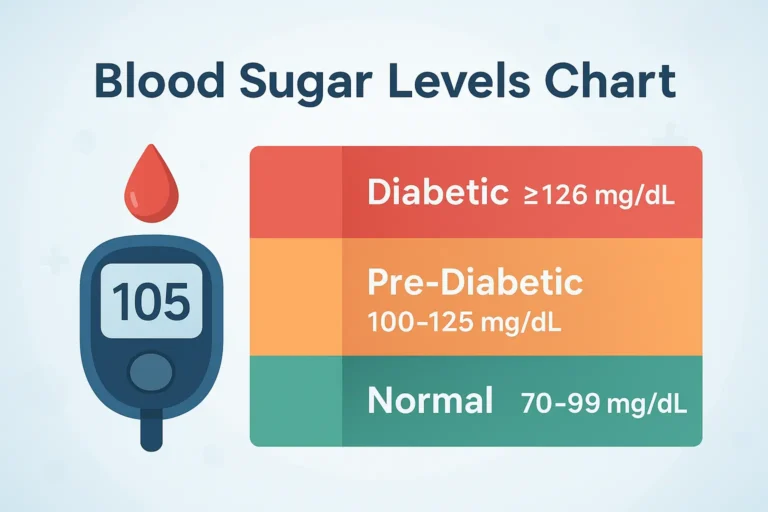
For additional context, see our blood sugar charts covering fasting, before-meal, and after-meal glucose ranges.
When Should You Use a Fingerstick Instead of Your CGM?
Use a blood glucose meter when:
- Your symptoms don’t match your CGM reading.
- Your CGM shows an unexpected high or low.
- Your sensor is warming up or displaying an error.
- Your CGM reading seems unreliable during rapid glucose changes.
- You suspect a compression low.
If you’re unsure whether your symptoms indicate low blood sugar, review the common signs and symptoms of hypoglycemia and when immediate treatment is needed.
CGMs approved for treatment decisions can generally be used without routine fingersticks when readings are reliable. However, the American Diabetes Association recommends keeping a blood glucose meter available as a backup.1
Important: If you suspect hypoglycemia and cannot promptly check your blood glucose, follow your prescribed treatment plan without delaying treatment. For many adults with blood glucose below 70 mg/dL, the CDC recommends 15 grams of fast-acting carbohydrate, followed by another glucose check after 15 minutes. Severe hypoglycemia involving inability to swallow safely, seizures, or unconsciousness requires emergency assistance and glucagon when available.4
Why Does My CGM Show Low Blood Sugar While Sleeping?
A compression low occurs when pressure on a CGM sensor temporarily produces an inaccurately low glucose reading.
For example, lying directly on an upper-arm sensor may cause a sudden drop that resolves after pressure is removed.
However, nighttime hypoglycemia can be real. Never assume an unexpected low is caused by compression. Confirm with a fingerstick when possible and treat suspected hypoglycemia promptly.2
Should You Calibrate Your Dexcom G7?
The Dexcom G7 is factory-calibrated and does not require routine fingerstick calibration. Optional calibration is available when readings remain consistently different.
Before calibrating:
- Wash and dry your hands before testing.
- Compare readings when glucose is relatively stable.
- Make sure nothing is pressing against the sensor.
- Follow Dexcom’s calibration instructions.
Do not calibrate during a compression low. Calibration during rapid glucose changes may also be less reliable.
Optional calibration can improve or worsen accuracy, so avoid calibrating simply because two readings differ.5
If significant discrepancies persist, contact Dexcom support or your diabetes care team.
My Experience With CGM and Fingerstick Readings
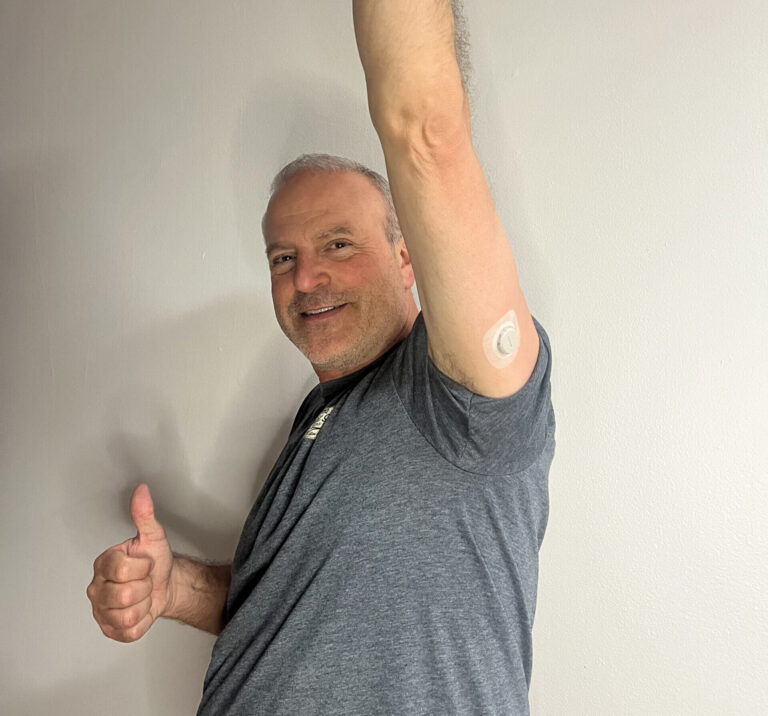
I’ve lived with type 1 diabetes since 1998 and currently use the Dexcom G7 to monitor my glucose.
One of the biggest advantages of continuous glucose monitoring is seeing how glucose changes throughout the day instead of relying on isolated fingerstick readings.
However, I’ve learned that understanding glucose trends is just as important as knowing the current number. CGM readings have limitations, particularly when glucose changes rapidly.
I still consider a blood glucose meter an essential backup when my CGM reading needs confirmation.
After more than 25 years of managing type 1 diabetes, my approach is straightforward: use CGM data to understand glucose patterns, but recognize when additional confirmation is needed.
For a closer look at the device I use, read my Dexcom G7 review, including its accuracy, features, and everyday performance.
CGM vs Fingerstick: Frequently Asked Questions
Final Thoughts
Understanding CGM vs fingerstick differences helps explain why the two devices may show different numbers.
Use your CGM to monitor glucose levels and trends, but keep a fingerstick meter available when readings are questionable or symptoms don’t match.
Understanding these differences makes both monitoring methods more useful for daily diabetes management.

References
- American Diabetes Association. 7. Diabetes Technology: Standards of Care in Diabetes—2026. Diabetes Care. 2026. [↩] [↩]
- Dexcom. BG Meter vs. G7 CGM Reading. [↩] [↩]
- Dexcom. BGM vs. CGM Accuracy for Glucose Meter Readings. [↩]
- Centers for Disease Control and Prevention. Treatment of Low Blood Sugar (Hypoglycemia). May 15, 2024. [↩]
- Dexcom. Can I Calibrate Dexcom G7?. [↩]